How to Record Stereo Mix
|
1. Download and install CyberPower Audio Editing Lab to launch the program.
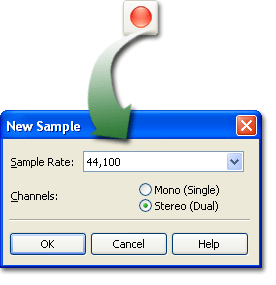
2. Click the record button to create a new sample. Choose the sample rate and channel as needed.
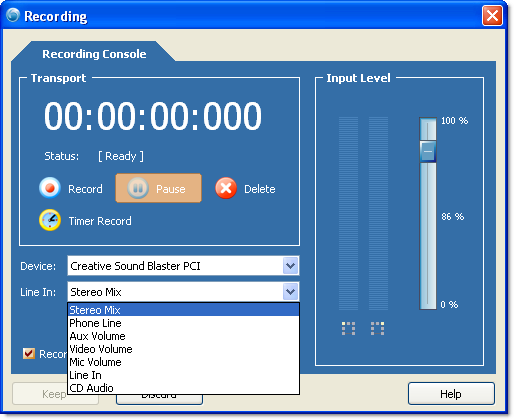
3. In the "Recording" window, choose "Stereo Mix" of the "Line In" dropdown menu.
4. Click "Record" to start recording and "Keep" to finish.
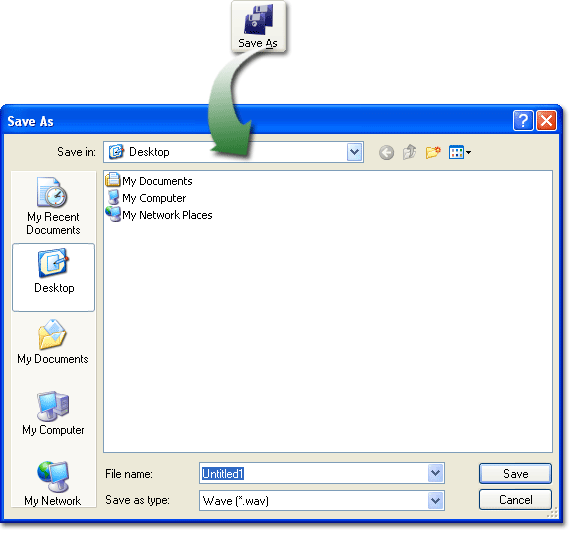
5. Click "Save As" to output the recording.
|
 |