How to merge audio files
|
1. Download Free Mp3/Wma/Ogg Converter and install. Launch the program by the desktop icon.
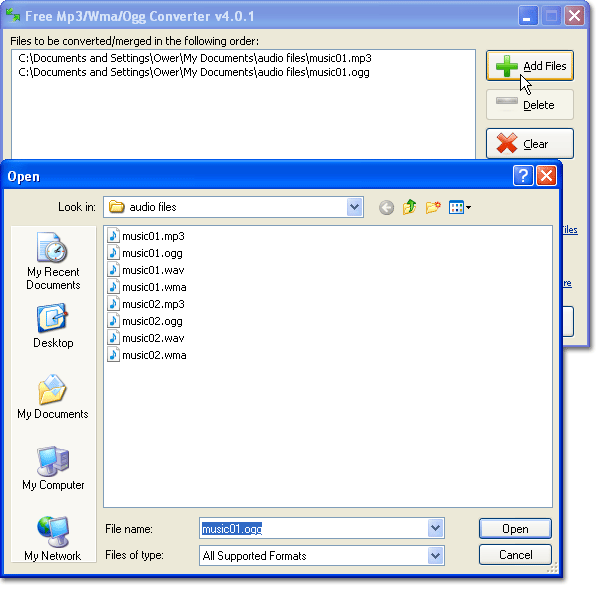
2. Click "Add Files" to add one or more files to the list. You can also click "Delete" to remove the files unwanted and "Clear" to remove all the files listed. The files of different formats can be merged into one single file.
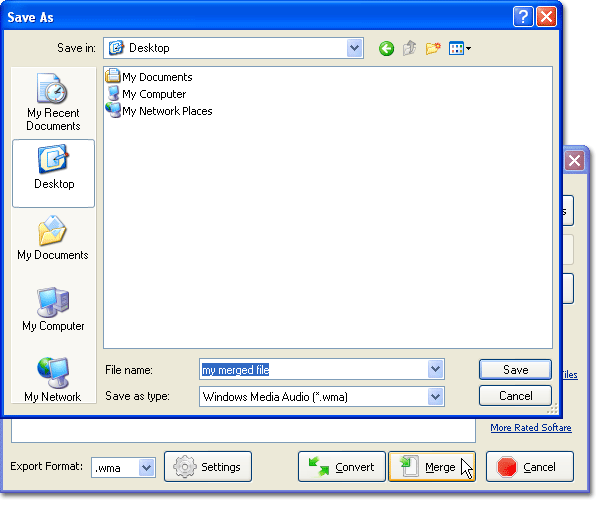
3. Click "Merge" to select output folder in the activated browser window and enter the filename for the new file. We provide the MP3 format as the output format.
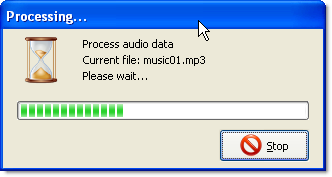
4. Click "OK" to process. When the processing window disappear, you can find the merged file in the output folder.
|
 |